Suppliers & Procurement
The Suppliers & Procurement section covers the full procure-to-pay cycle: supplier records, inbound invoices, purchase requisitions, and purchase orders. Supplier records live under {company.suppliers}/{supplier-id}/.
Suppliers
The Suppliers nav item contains a tabbed view over all supplier-related data.
Overview
A dashboard of procurement activity: total active suppliers, open purchase orders, invoices awaiting approval, and pending requisitions.
Suppliers
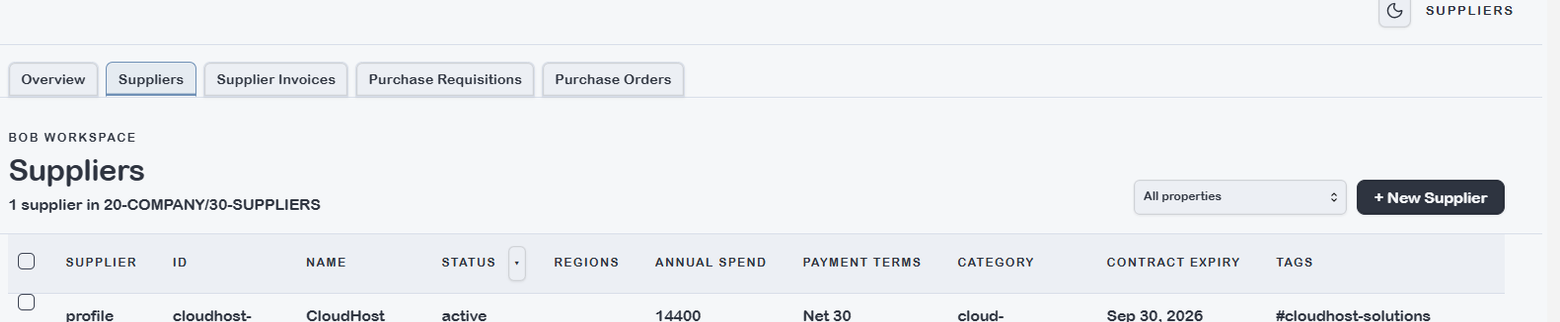
Lists all type: supplier notes. Key fields: supplier name, spend category, contract value (annual), payment terms, status. The Bases dropdown reflects {vault.bases}/supplier.base — add views by spend category or contract value tier.
Supplier Invoices
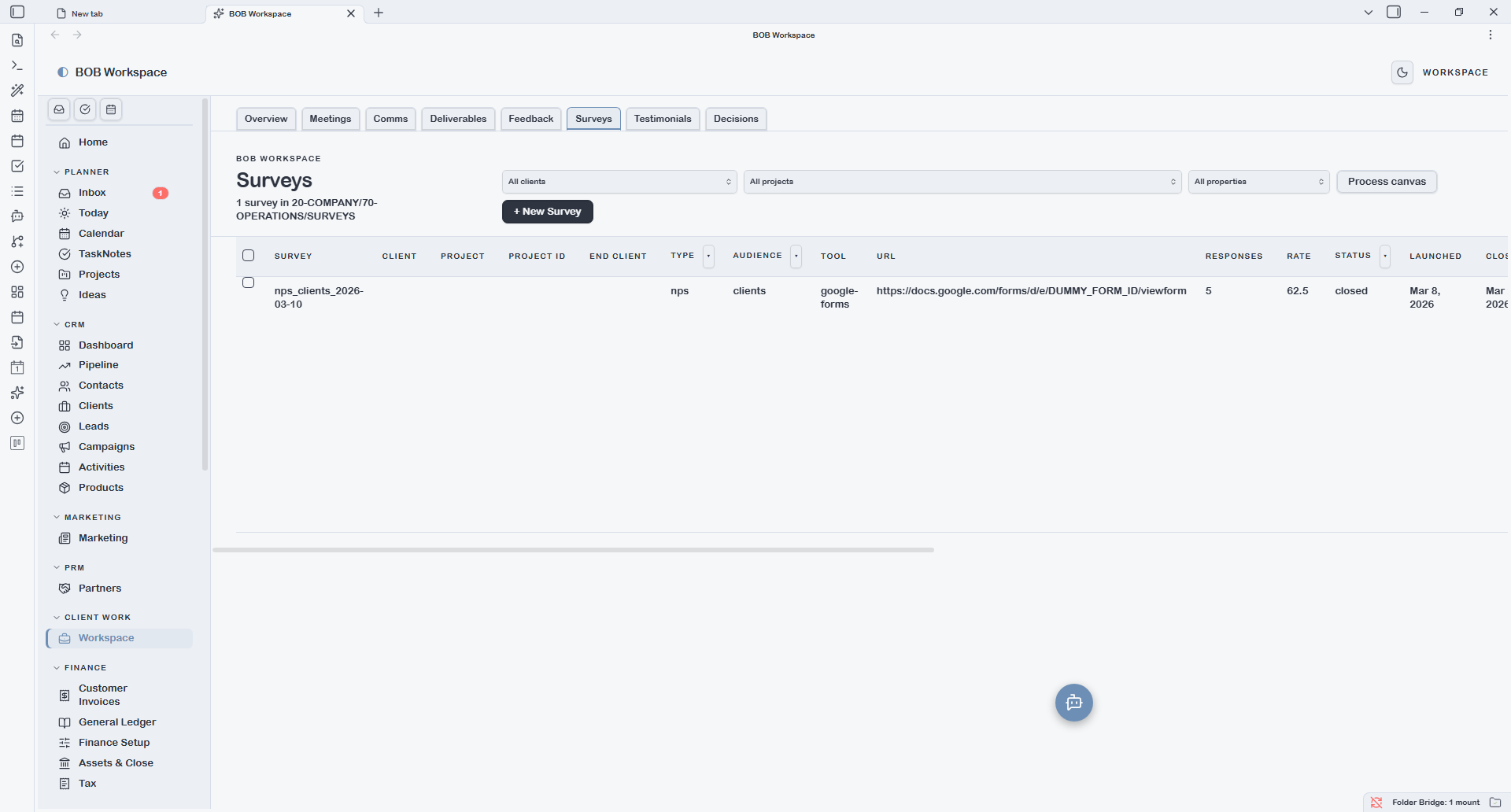
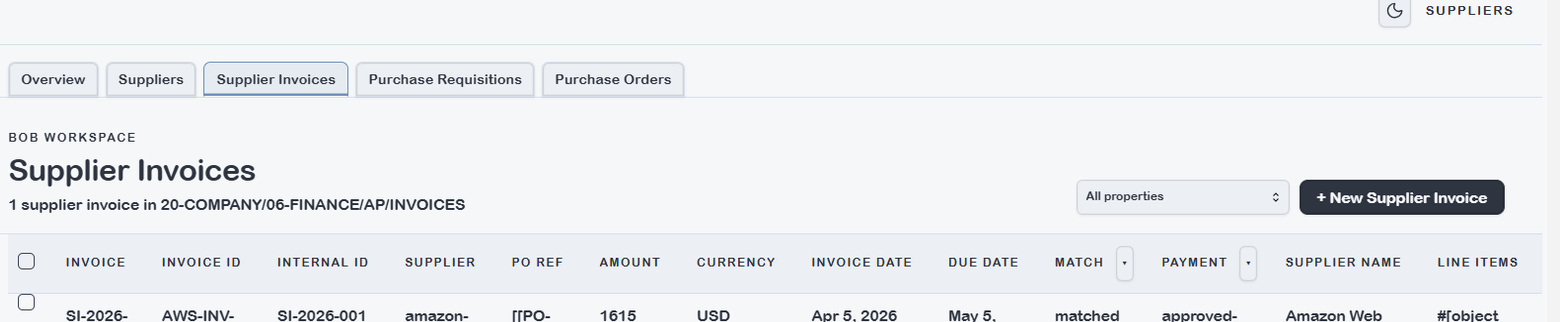
Lists type: supplier-invoice notes scoped to the current supplier context. Key fields: invoice ID, supplier, PO reference, amount, match status (2-way / 3-way), payment status. Status: draft → approved → paid.
Purchase Requisitions
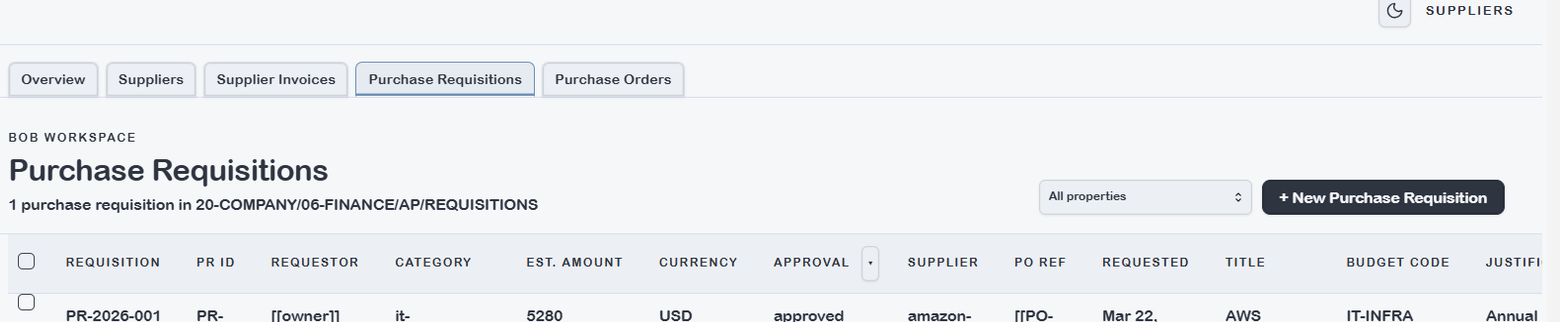
Lists type: purchase-requisition notes scoped to the current supplier. Key fields: PR ID, requestor, category, estimated amount, justification, approval status, PO reference.
Purchase Orders
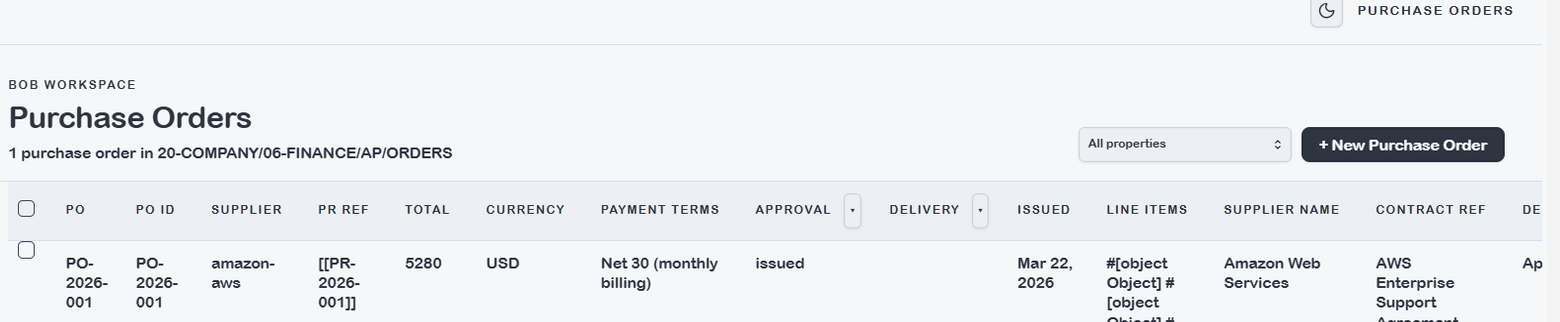
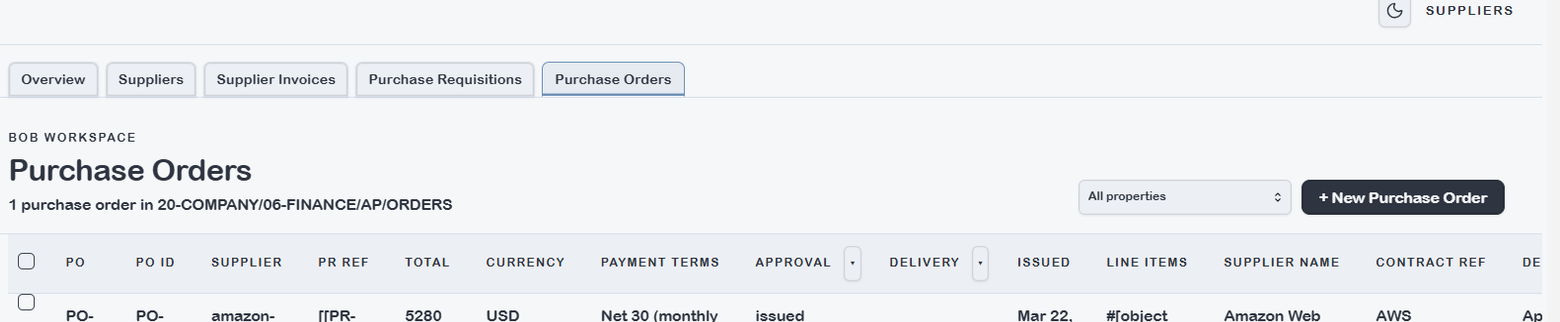
Lists type: purchase-order notes scoped to the current supplier. Key fields: PO ID, supplier, line items, total amount, payment terms, approval status, delivery status.
Supplier Invoices
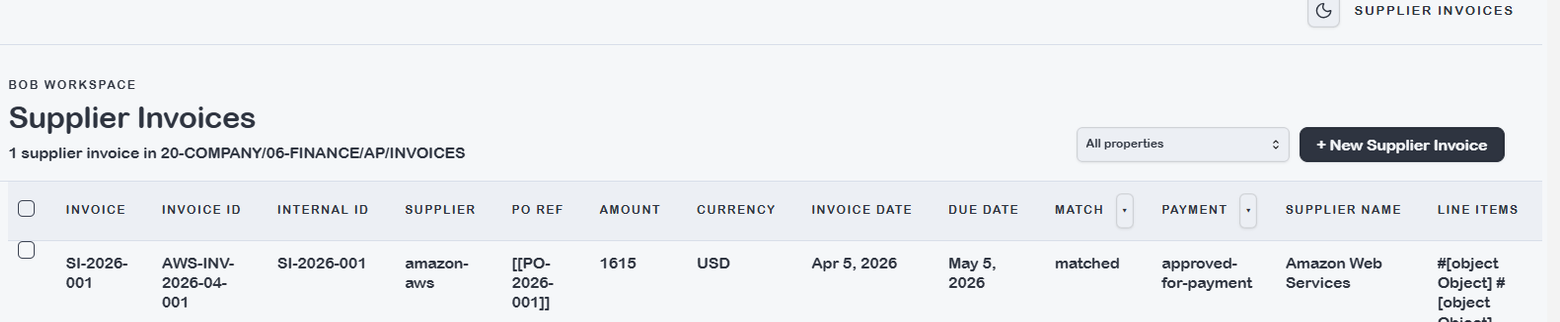
A vault-wide list of all type: supplier-invoice notes across all suppliers. Use this view for AP processing — approving, matching, and tracking payment across all vendors in one place.
The Bases dropdown reflects {vault.bases}/supplier-invoice.base. Recommended views: Awaiting approval, Matched — pending payment, Overdue.
Purchase Requisitions
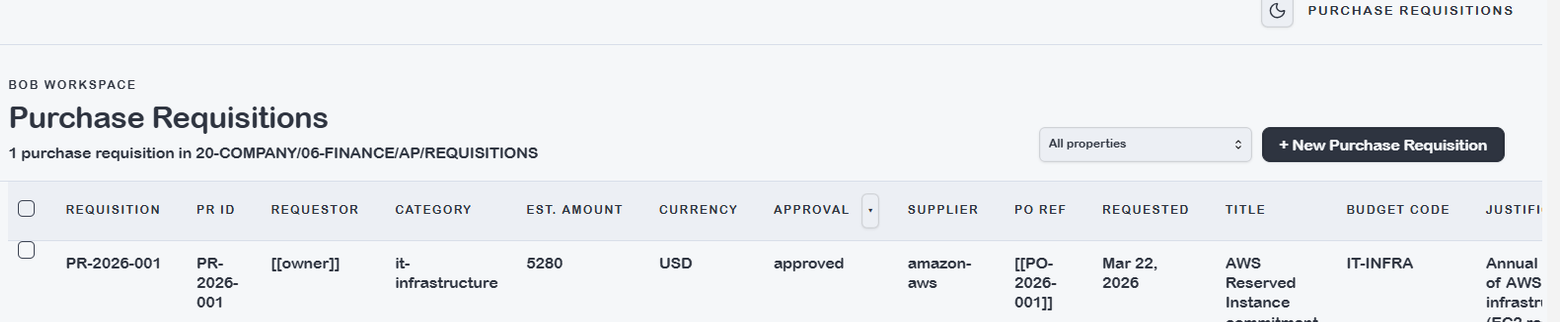
A vault-wide list of all type: purchase-requisition notes. Use this as the central approval queue — see all open requisitions across requestors and categories, approve or reject, and convert to POs.
Purchase Orders
A vault-wide list of all type: purchase-order notes. Tracks the full PO lifecycle from approved requisition through delivery confirmation. Each PO links back to its originating requisition via pr_ref.