CRM
The CRM module covers the full revenue-facing side of the business — from leads and contacts through active deals, campaigns, and client activities. It can be toggled off via Settings → Modules.
All CRM entities are plain markdown files with YAML frontmatter. The plugin provides rich views over them; you can always open any record as a note.
Dashboard
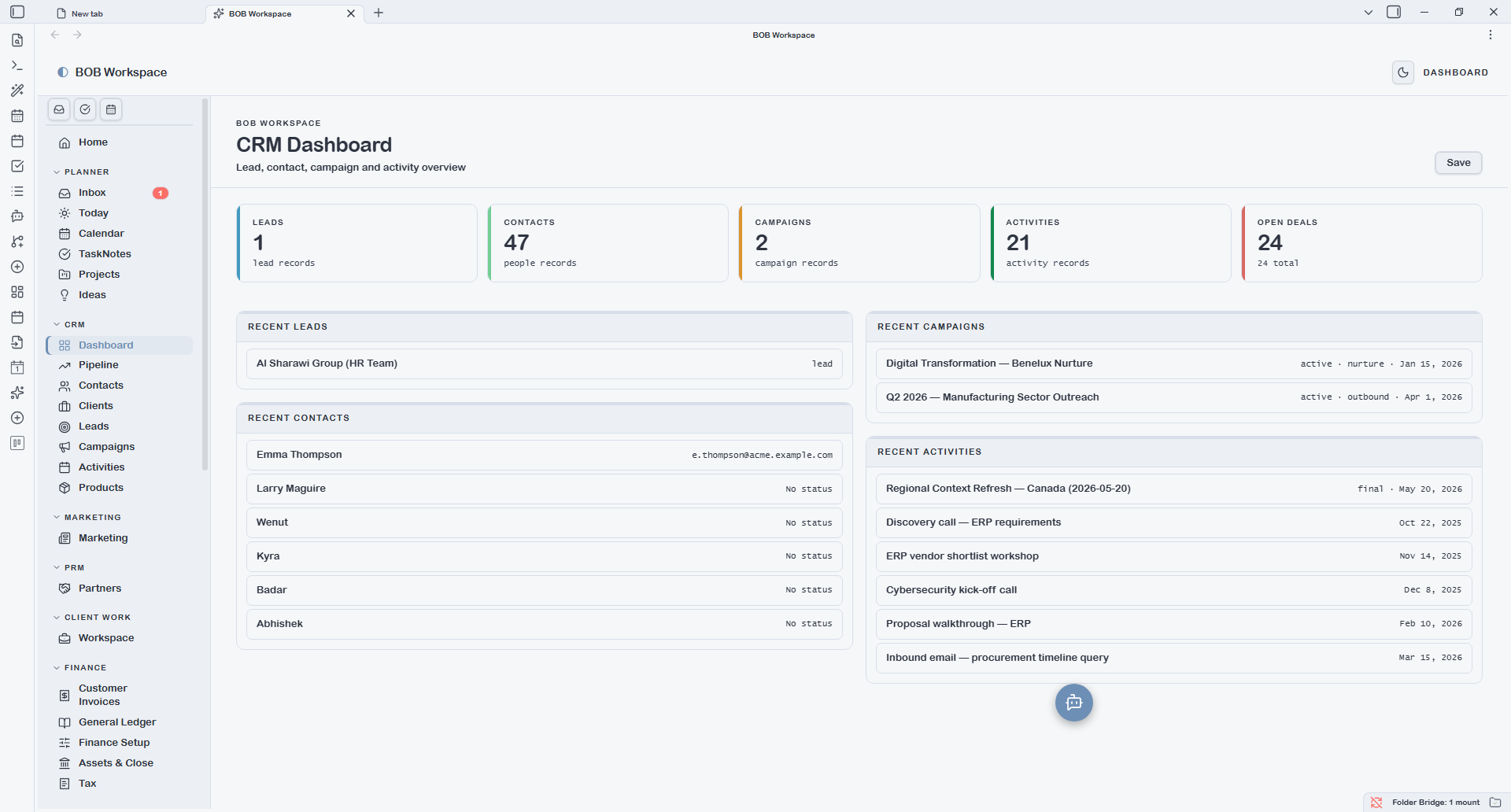
The CRM Dashboard is a read-only summary of your pipeline health and recent activity. It shows:
- Pipeline by stage — bar chart of deal count and value per stage
- Hot deals — top deals by value currently in flight
- Stale deals — deals with no edits in 14+ days (configurable threshold)
- Recent activity — latest activity records across all contacts and deals
- Customer base stats — total clients, active deals, win rate
Use the Dashboard for a daily check-in on pipeline health before diving into individual records.
Pipeline
Pipeline is a kanban board of all type: deal notes, grouped by the stage frontmatter field. Drag a card to a new column to update its stage — the change writes back to the file immediately.
The Won column has a soft emerald tint. Lost deals are shown with reduced opacity.
The Bases dropdown reflects named views in {vault.bases}/deal.base. Add views for custom filters (e.g. deals by owner, deals closing this month) or alternative layouts without touching code.
Use + New Deal to open the capture modal. Required field: title. Key fields: stage, deal value, expected close, client.
Contacts
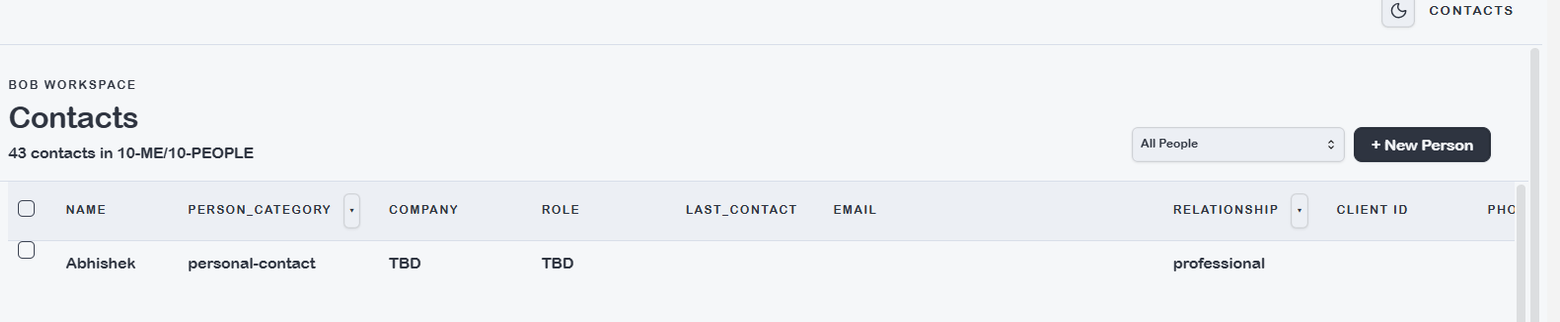
Contacts is a sortable list of all type: person notes that are not filtered to the Team view. Each row shows name, company, role, email, and last-contact date.
Click a row to open the source note for editing. Inline field editing is available in native Obsidian Base views opened directly; the plugin grid rows open the source note for editing.
The Bases dropdown reflects named views in {vault.bases}/person.base. Useful views to add: By Company, Prospects only, Recently contacted.
Clients
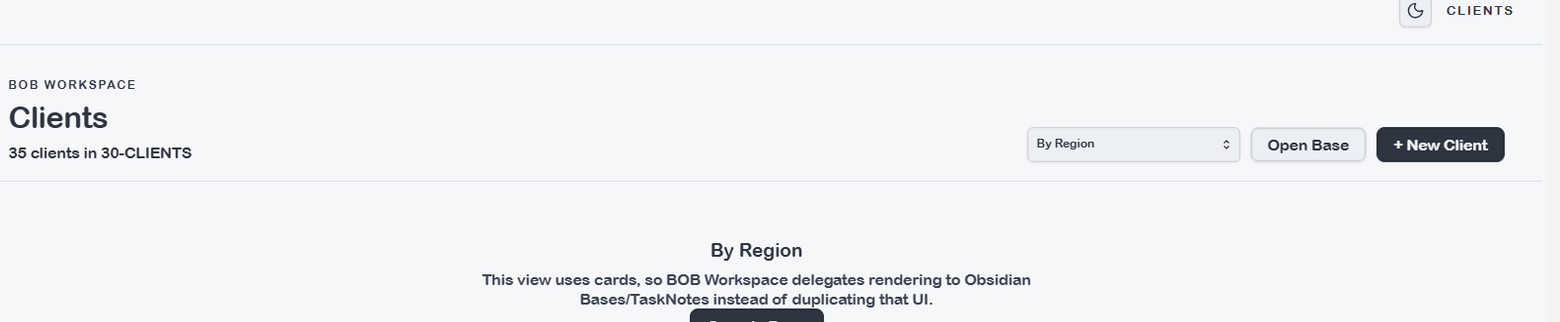
Clients lists all type: client notes. Each row shows the client name, status, region, and jurisdiction. Status lifecycle: prospect → active → inactive → completed → archived.
The Bases dropdown reflects {vault.bases}/client.base. Add views like Active only or By region to filter the list without changing the underlying data.
Leads
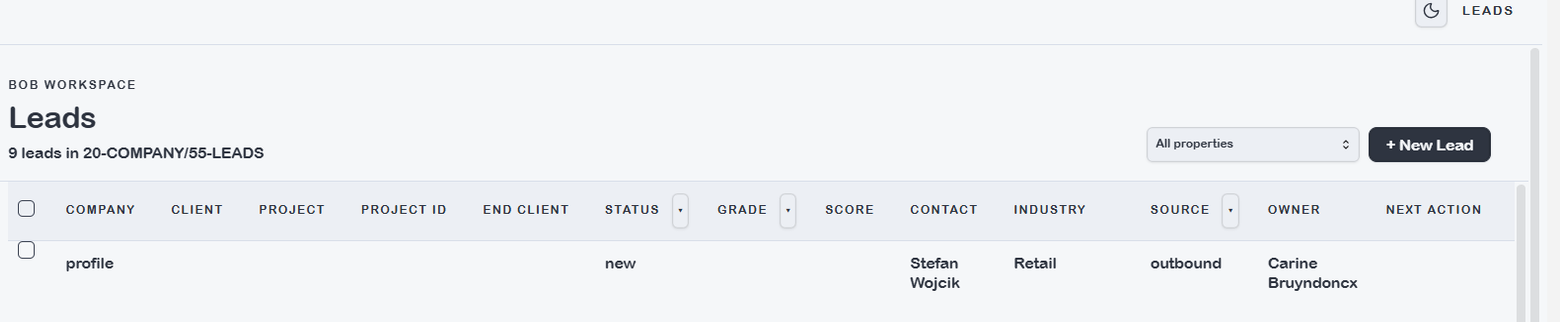
Leads lists all type: lead notes. Shows company name, contact, source, status, and owner. Status lifecycle: new → qualified → nurture / disqualified.
Leads are the pre-client stage. When a lead converts, use the create-client skill to promote it to a Client record.
The Bases dropdown reflects {vault.bases}/lead.base.
Campaigns
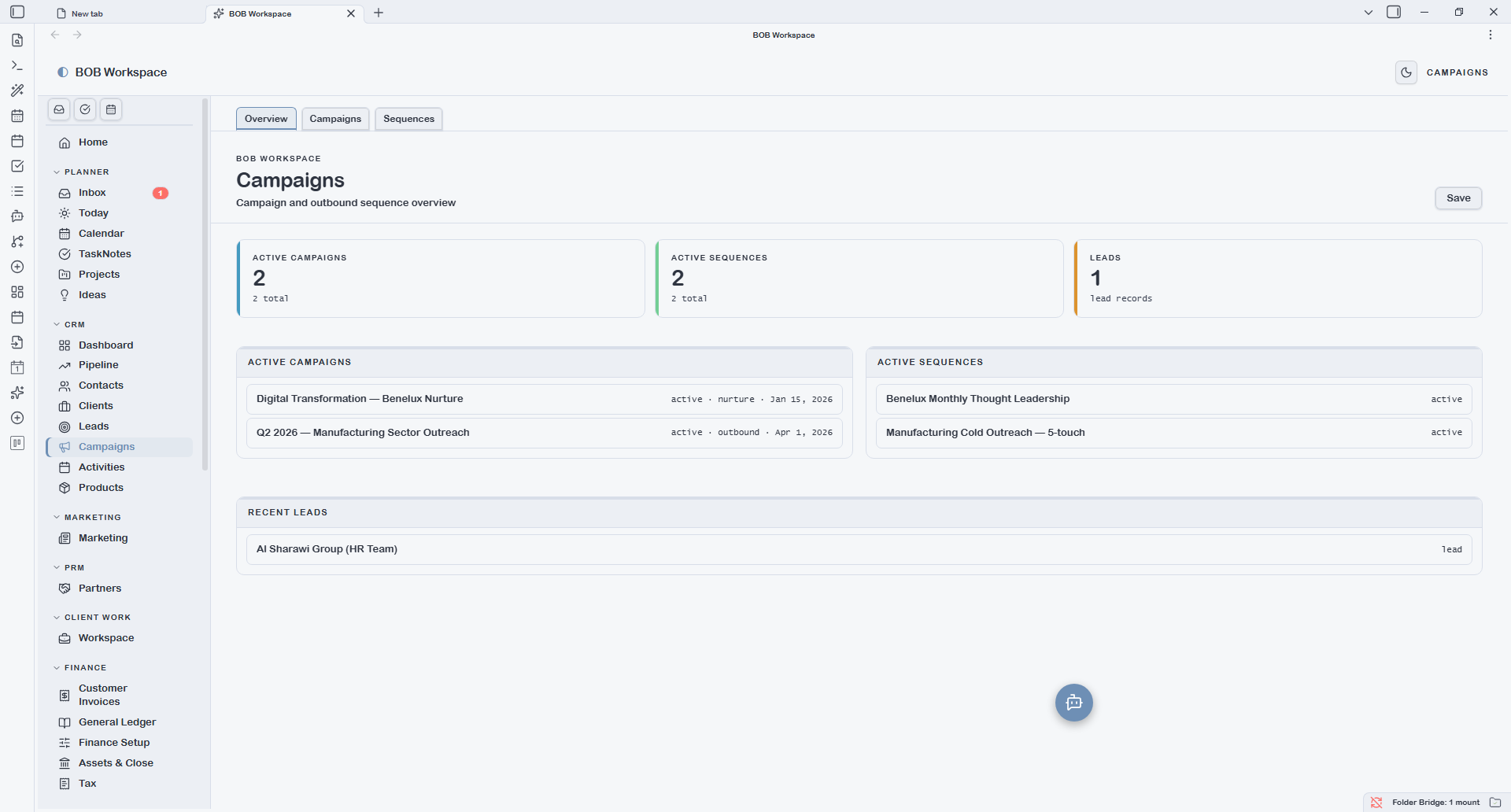
Campaigns groups three related entity types under a single tabbed screen.
Overview
A summary dashboard of campaign activity: active campaigns, recent sequence touches, and lead counts by campaign source.
Campaigns
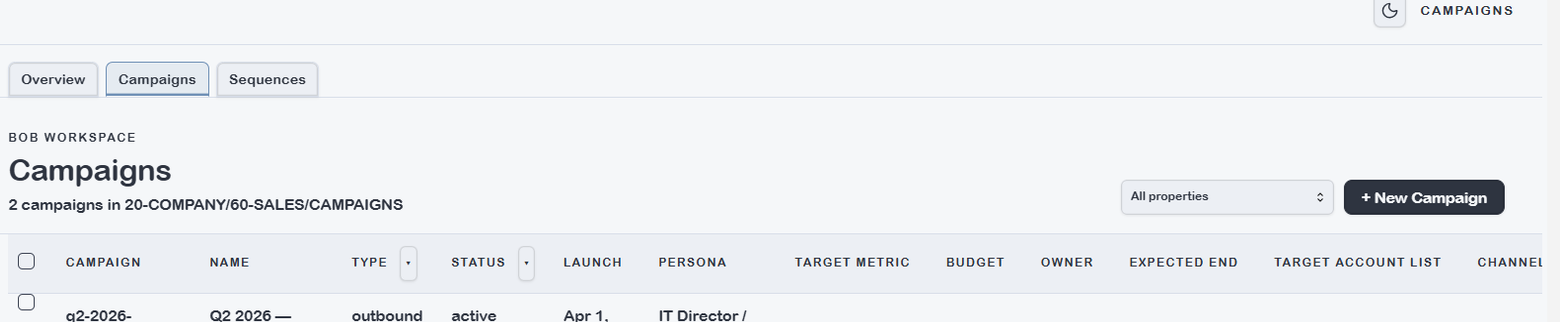
Lists all type: campaign notes. Key fields: campaign name, type, status, launch date, target persona. The Bases dropdown reflects {vault.bases}/campaign.base — add views to filter by status or type.
Sequences
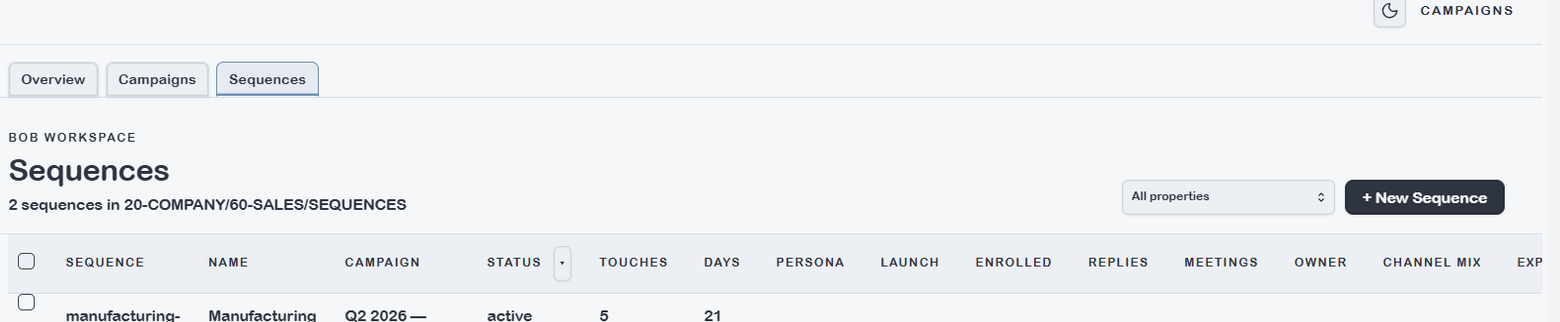
Lists all type: sequence notes linked to campaigns. Key fields: sequence name, campaign reference, total touches, duration in days, status.
Activities
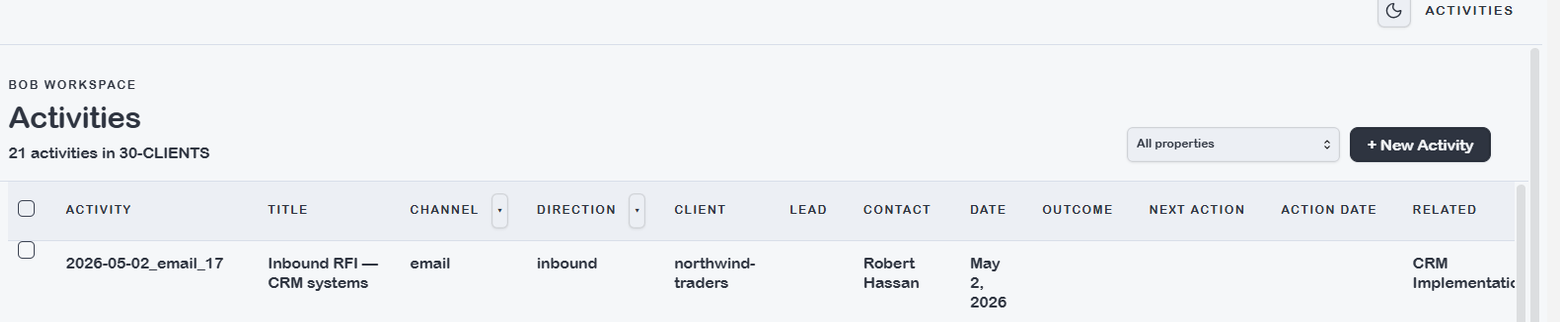
Activities lists all type: activity notes — calls, emails, meetings, and other touchpoints logged against contacts or deals. Key fields: title, channel, direction (inbound/outbound), contact reference, date.
The Bases dropdown reflects {vault.bases}/activity.base. Add views grouped by channel, by contact, or filtered to the current week.