Reports
Reports are read-only aggregated views across your vault data. They do not have their own entity files — they query existing records in real time. Report screens appear or disappear based on which modules are active in Settings → Modules.
Productivity
Aggregates task completion history. What is included depends on the task mode configured in Settings → BOB Workspace:
- Checkbox only — reads checkbox tasks from daily note task sections
- TaskNotes only — reads TaskNote files from the active TaskNotes folder and the archive folder
- Hybrid — combines both sources
Shows tasks completed per day/week, completion rate, and tasks by project. The archive folder is included so historical completion remains visible even after tasks are archived.
Pipeline
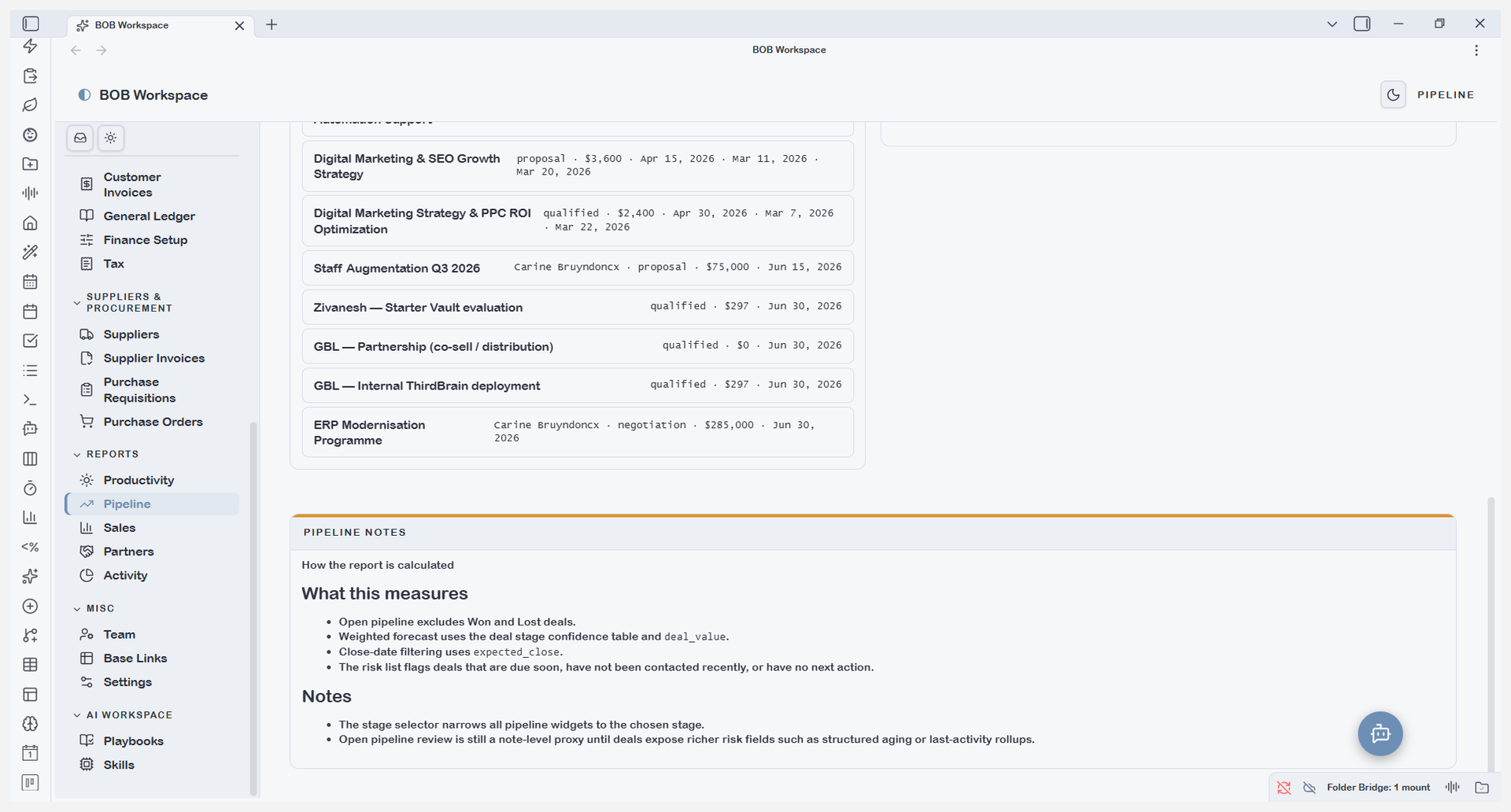
Aggregates all type: deal notes into a pipeline performance report. Shows:
- Deal count and total value by stage
- Win/loss ratio over a configurable date range
- Average deal size and average time-to-close
- Deals by owner (if owner field is populated)
Sales
Aggregates closed-won deals and paid invoices into a sales performance report. Shows: - Revenue recognised by period - Top clients by revenue - Deal source breakdown (how deals were originated) - Revenue vs. target if targets are configured
Partners
Aggregates PRM data into a partner performance report. Shows: - Deals influenced per partner - Commission totals paid and pending - Registration conversion rates - Certifications active vs. expired
Only visible when the PRM module is enabled.
Activity
Aggregates all type: activity notes into an activity report. Shows:
- Activity count by channel (call, email, meeting, etc.)
- Activity by contact and by deal
- Inbound vs. outbound split
- Activity trend over time
Use this to monitor outreach volume and identify contacts or deals that have gone quiet.