Planner
The Planner module covers your personal operational loop — capturing items, planning today, navigating your week, and managing projects. It can be toggled off via Settings → Modules if not needed.
Inbox
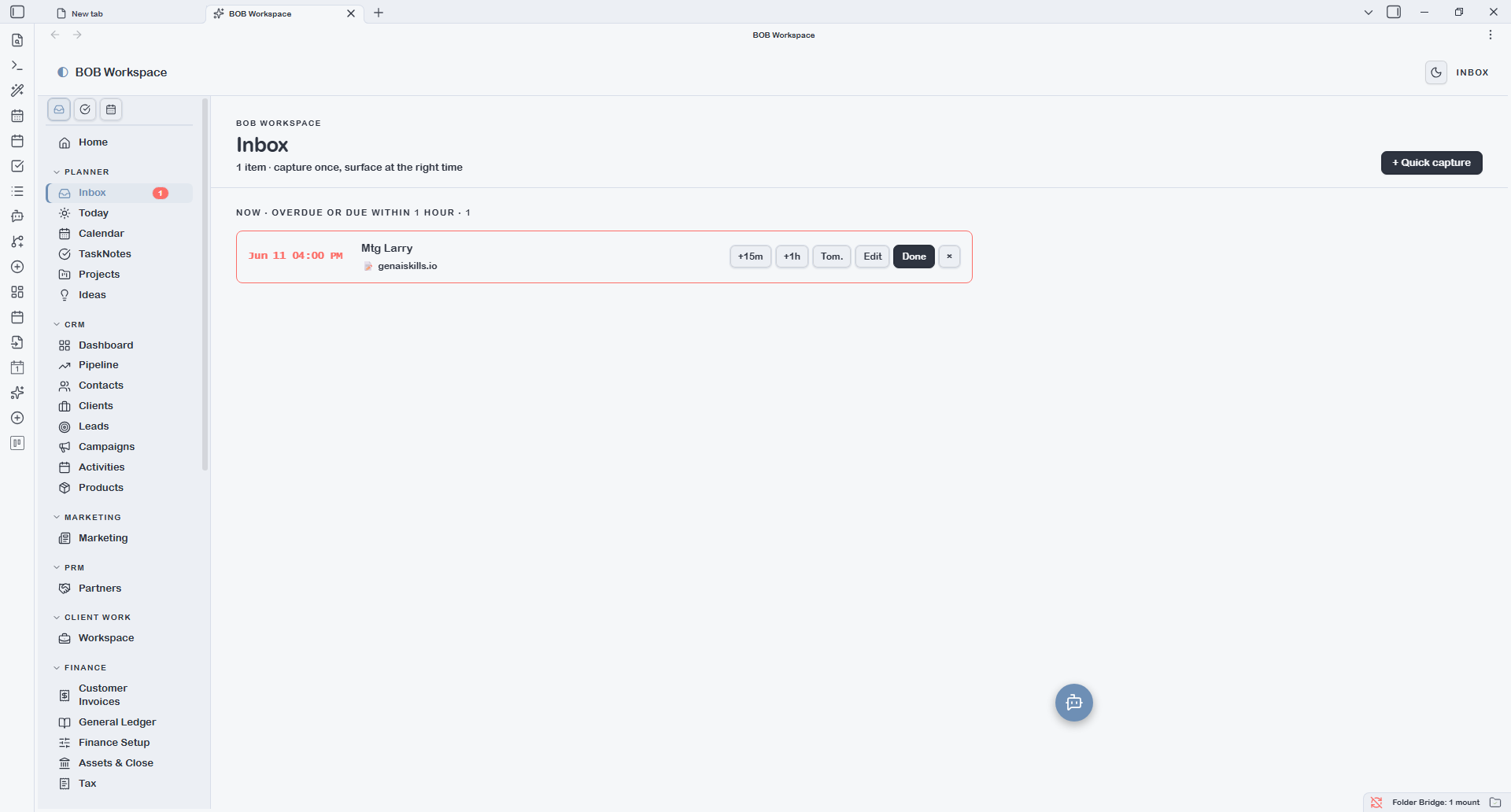
The Inbox is the universal capture and reminder surface. Every item you capture lands here first, grouped by urgency:
- Now / Overdue — items past their due time, shown in red
- Due Today — items due later today
- This Week — items due within the current week
- Later — everything else
Items have quick-action buttons: snooze (+15m, +1h, Tomorrow), mark Done, or Edit. The nav badge on the Inbox item shows the live count of overdue and due-now items.
Quick capture is available via Ctrl+Shift+I (Windows/Linux) at any time — opens a modal where you type a title, optionally set a datetime, and optionally set a repeat cadence (daily/weekly). Captured items write to a markdown file in the configured reminders folder.
Today
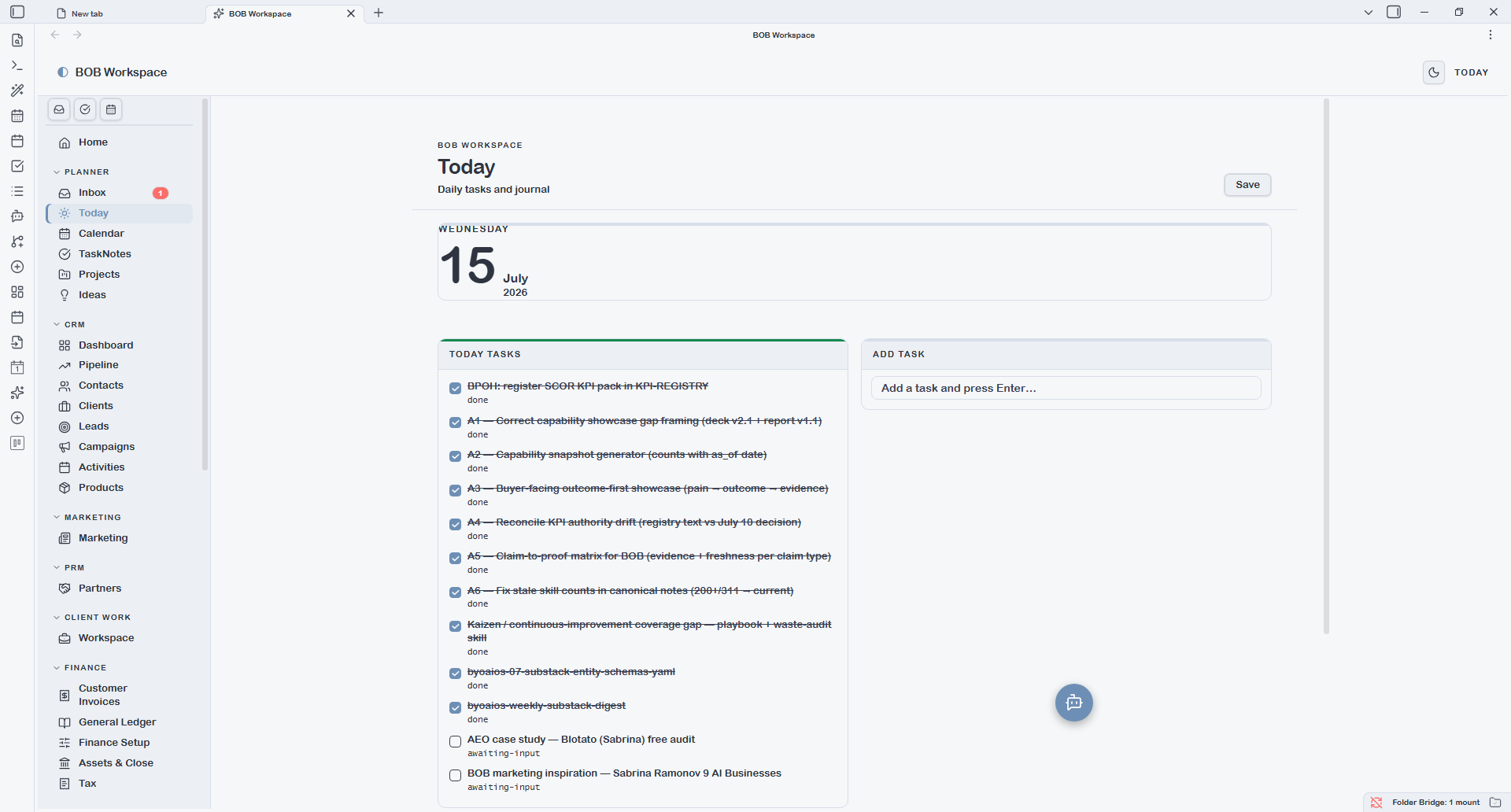
Today is a diary view of your current daily note. It shows the note's content in a live-editable surface — the journal textarea autosaves as you type. A + Quick task button appends a new task to the configured tasks heading in today's daily note.
The daily note folder and the heading names for tasks and journal sections are all configurable under Settings → App.
If today's daily note doesn't exist yet, Today creates it from your configured daily note template.
Calendar
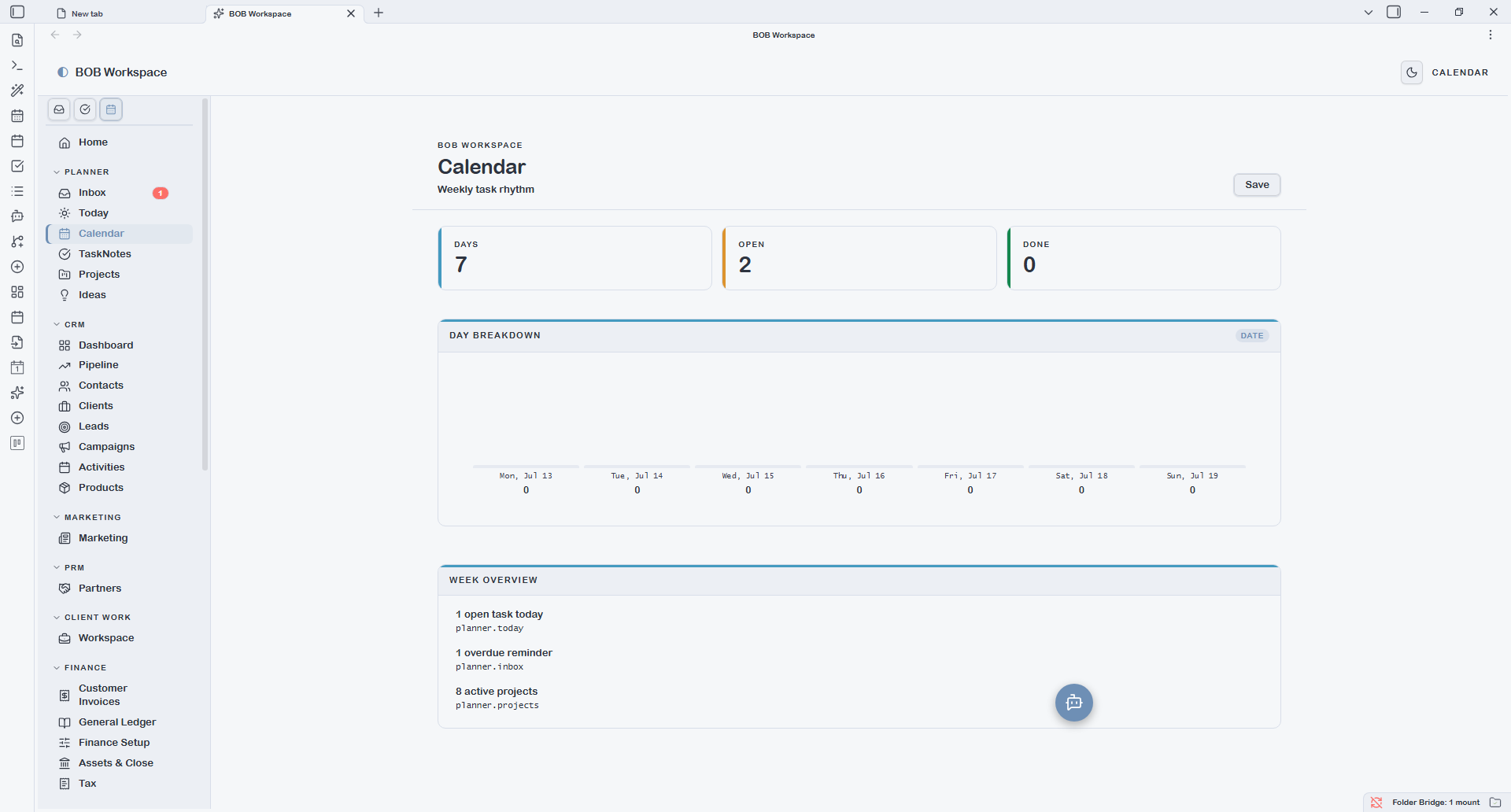
Calendar is a Mon–Sun week grid spanning your daily notes. Each day column shows the tasks from that day's note, tickable inline. Clicking a day heading opens that daily note.
The week start day (Monday or Sunday) is configurable under Settings → App → Week starts on.
TaskNotes
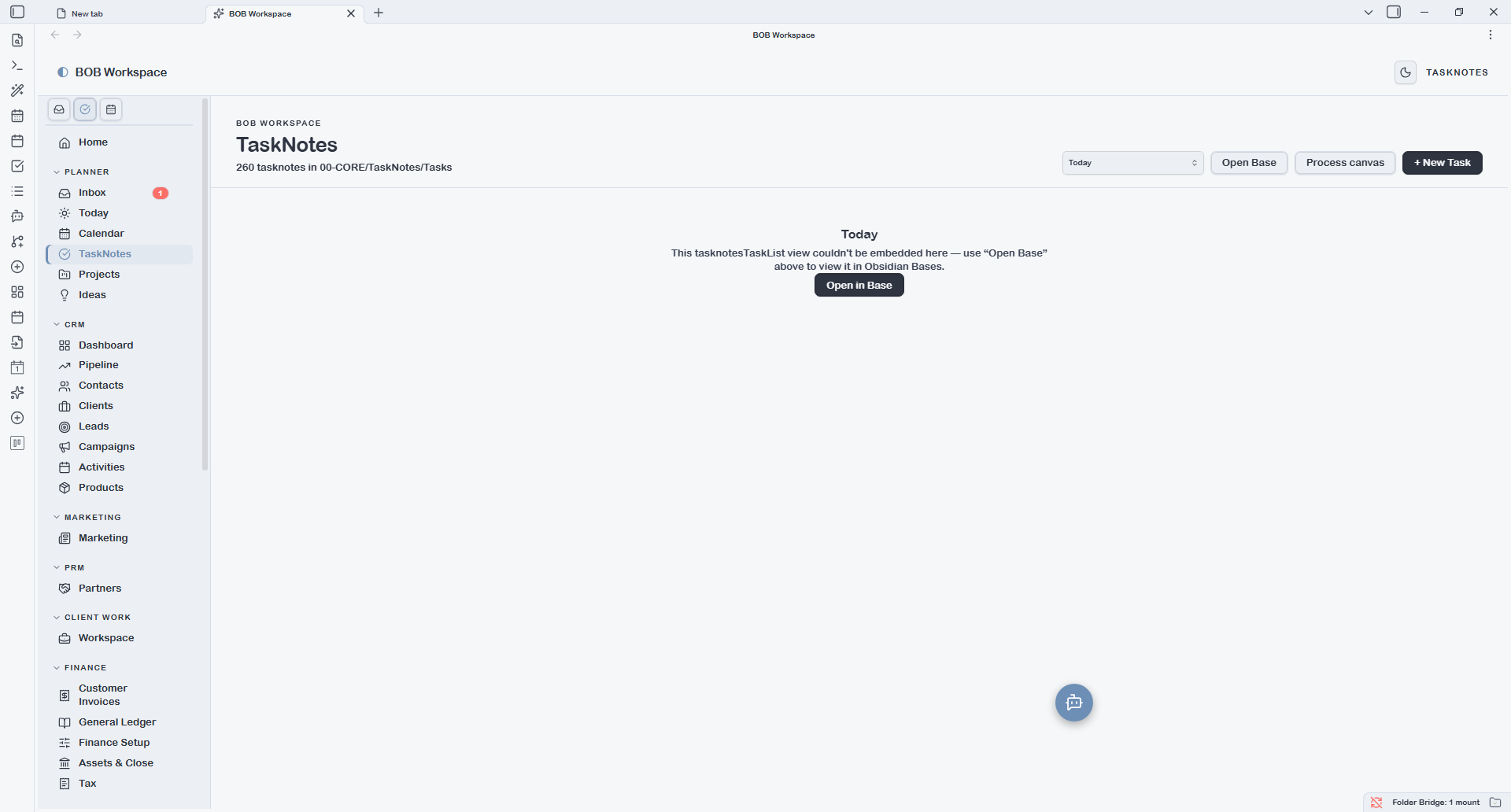
TaskNotes lists your active task notes from the configured TaskNotes folder ({output.tasks} by default). Each row is a single TaskNote file; status, priority, due date, and project links are read from frontmatter.
The active folder and the archive folder are both configurable under Settings → BOB Workspace. The archive folder feeds the Productivity report's historical completion view.
The Bases dropdown reflects any named views defined in {vault.bases}/task.base — for example separate views for open tasks, in-progress, or tasks grouped by project.
Projects
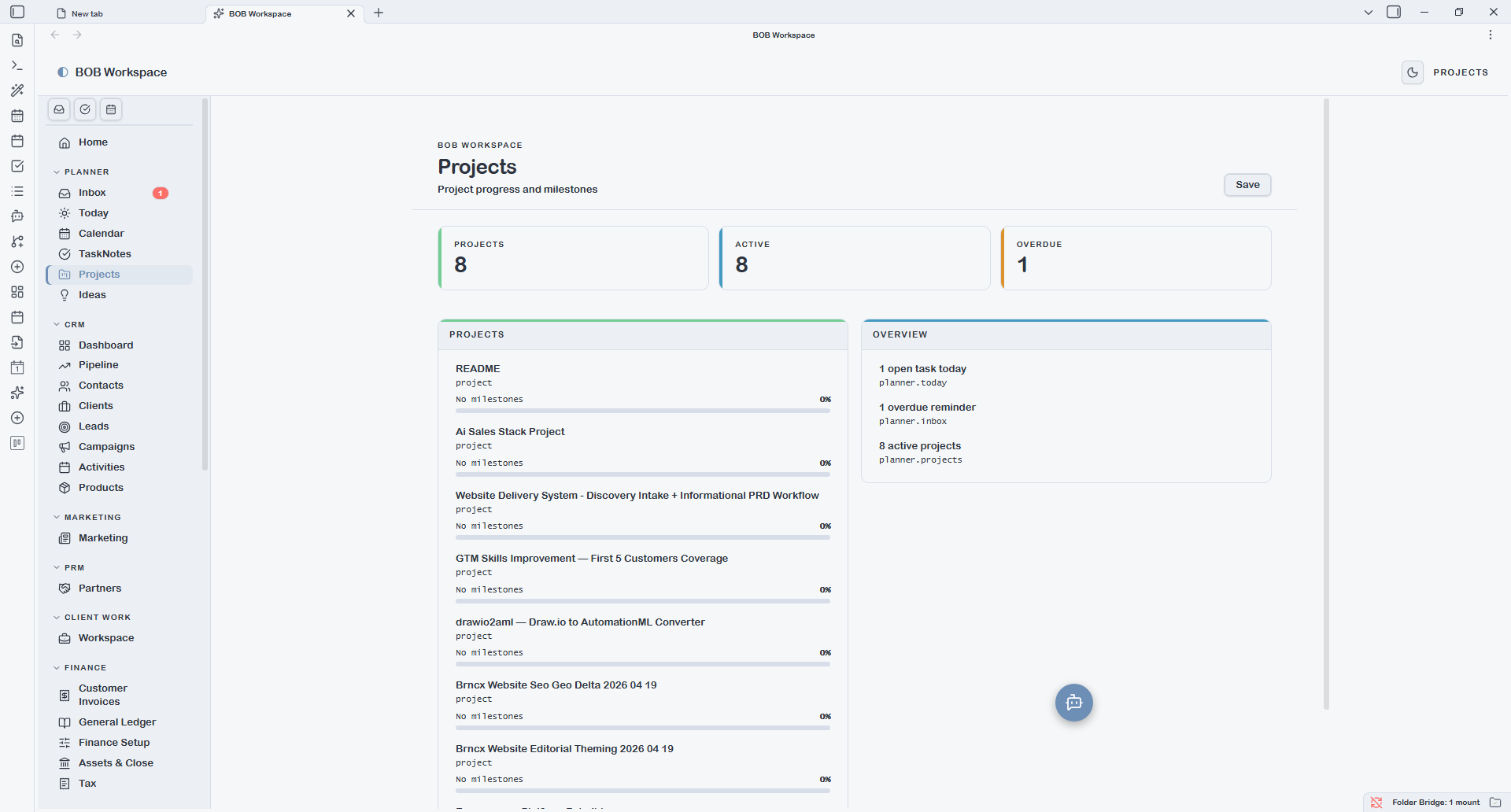
Projects shows a card grid of all type: project notes, grouped by status. Each card displays the project name, client, priority, deadline, and a colour-banded milestone progress bar.
Clicking a card opens the Project Detail surface — a full PM view with:
- Status, priority, owner, and due date pills at the top
- Left column: tickable milestones (date + title) and task list, each with + Add buttons
- Right column: Brief, Scope, Risks, Stakeholders, and Notes — all autosaving textareas that write back to the H2 sections of the underlying note
- Open as note button to edit the full markdown body in Obsidian's editor
The Bases dropdown reflects named views in {vault.bases}/project.base — for example views filtered by status or grouped by client.